

Start With Problems, Not Gadgets
The biggest smart-home mistake is buying devices first and figuring out the purpose later. Flip it around: what actually annoys you? Coming home to a dark house? Forgetting whether you locked the door? A basement you’re afraid will flood while you’re away? A good smart home solves real problems. Write down your three biggest “I wish my house would just…” frustrations — that’s your shopping list.
Step 1: Fix Your Foundation — Wi-Fi
Every smart device is only as reliable as your network. Before buying a single gadget, make sure your Wi-Fi actually covers your whole house. If you have dead zones, a mesh Wi-Fi system (two or three nodes spread through the home) is the single best smart-home investment — more impactful than any individual device. Place the main router centrally and elevated, not buried in a basement corner. And put your smart devices on a strong, modern network: if your router is more than five years old, upgrade it first.
Step 2: Pick One Ecosystem and Stick With It
Nothing kills the smart-home dream faster than twelve different apps. Choose one primary platform — the major phone-based ecosystems all work well — and buy devices certified for it. The Matter standard (now supported across most big platforms) has made this much easier: look for the Matter logo and your devices will generally play nicely together regardless of brand. One app for daily control, one voice assistant, done.
The Core Devices Actually Worth Buying First
You don’t need fifty devices. These five cover the problems most homeowners actually have:
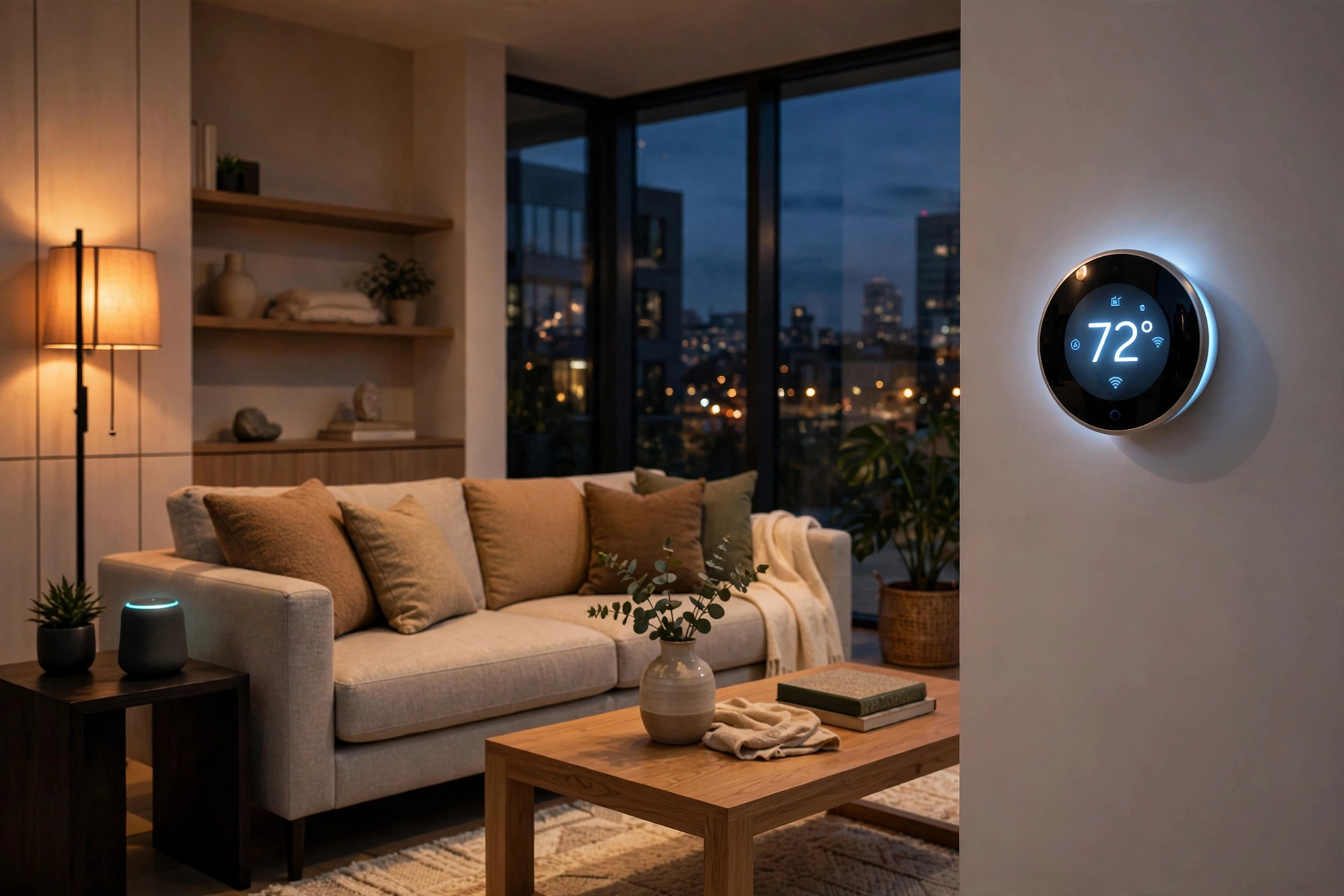
- Smart thermostat — learns your schedule, cuts heating/cooling waste, and pays for itself in a year or two. The highest-ROI smart device, full stop.
- Smart lock — keyless entry, temporary codes for guests or cleaners, and an automatic lock behind you. Never wonder “did I lock the door?” again.
- Video doorbell or camera — package theft deterrence and the ability to answer the door from anywhere. One well-placed camera beats four cheap ones.
- Smart lighting — start with the rooms you use most. Schedules and motion sensing mean lights are on when you need them and off when you don’t.
- Water leak sensors — the unglamorous hero. A $30 sensor under the water heater or washing machine can save you tens of thousands in water damage by alerting your phone the moment it detects moisture.
Buy these one at a time, live with each for a week or two, then add the next. A smart home built gradually actually gets used; one built in a weekend shopping spree usually doesn’t.
Security Is Not Optional
Every connected device is a potential entry point, so lock things down from day one:
- Unique passwords for every device account, stored in a password manager. Never reuse your email password.
- Two-factor authentication on every account that offers it — especially cameras and locks.
- Keep firmware updated. Enable auto-updates wherever possible; most smart-home hacks exploit long-patched vulnerabilities.
- Use your router’s guest network for IoT devices if it supports it, keeping them segmented from your computers and phones.
- Disable features you don’t use — if you never check your camera remotely, turn off remote access.
Privacy: Think Before You Install
Be deliberate about cameras: entryways and exteriors, yes; bedrooms and bathrooms, never — and tell guests where cameras are. Read the privacy policy (yes, really) of any camera or voice assistant brand: prefer companies that offer local storage or clear data-deletion controls. And remember that voice assistants are always listening for their wake word — if that bothers you, use the mute button when you’re not actively using it.
Budgeting: Three Sensible Tiers
- Starter ($200–$300): smart thermostat + two leak sensors. Maximum practical value, minimum fuss.
- Comfortable ($800–$1,200): add a smart lock, video doorbell, and smart lighting in main rooms.
- Whole-home ($2,500+): full lighting, multiple cameras, smart shades, water shutoff valve that closes automatically when a leak is detected.
There’s no prize for finishing fast. Most satisfying smart homes are built over a year or more.
Common Mistakes to Avoid
- Buying before planning — devices without a problem to solve end up in a drawer.
- Mixing ecosystems — three voice assistants means three apps and constant friction.
- Ignoring the Wi-Fi — “my camera keeps disconnecting” is almost always a network problem, not a camera problem.
- Cheap no-name cameras — if the price seems too good, you’re paying with your data and your security.
- Automating everything at once — start with one routine (e.g., “goodnight” turns off all lights and locks the doors) and expand from what works.
The Bottom Line
A great smart home in 2026 isn’t the one with the most gadgets — it’s the one where the technology quietly disappears into daily life. Solid Wi-Fi, one ecosystem, a handful of devices solving real problems, and security taken seriously from day one. Build it gradually, and your house will start feeling like it’s looking after you, not the other way around.
